Download Marketing Certo for Windows
You are just a few steps away from automating your sending and accelerating your sales. Download the demo version now and test it for free.
How to download on Google Chrome
After clicking the download button, the file will be loaded in the top right corner of your screen. Simply click on the file name to begin installation.
How to download on Microsoft Edge
In Edge, the downloads progress bar is at the top right. When finished, click Open File. If Edge displays a warning, click the ellipses (...) and select Keep.
How to Install Marketing Certo
Carefully follow the steps below to correctly install the software.
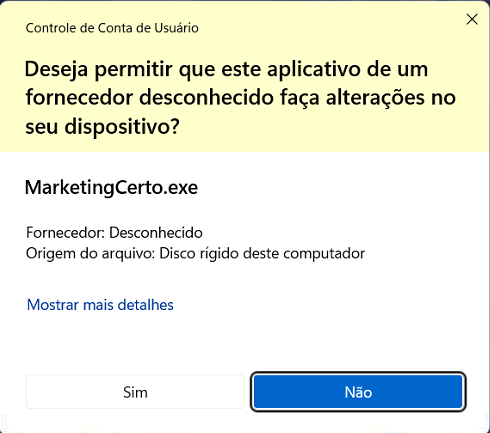
User Account Control
When running the installer, Windows may ask for security permission to make changes.
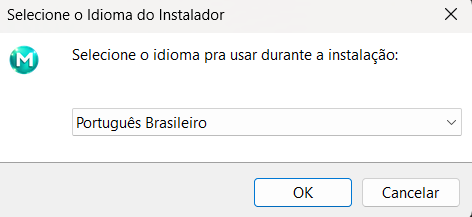
Language Selection
Choose the language you wish to use during installation.
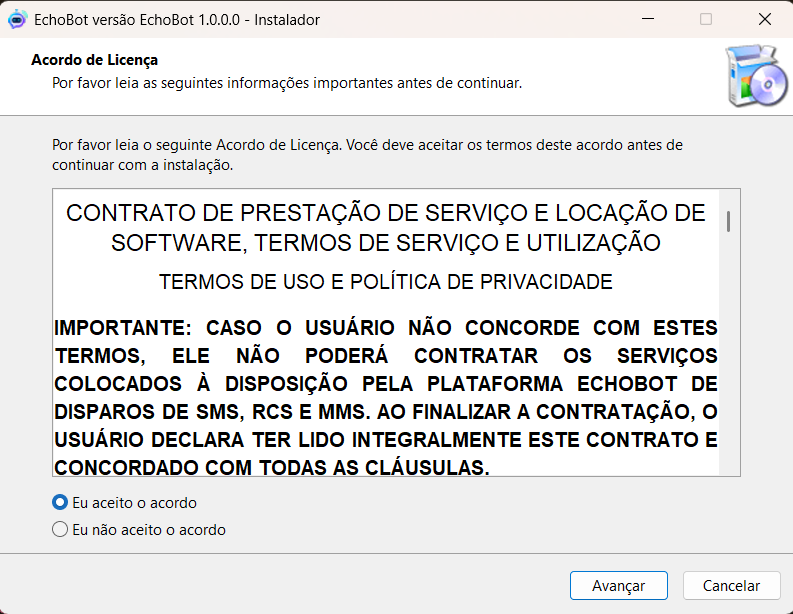
License Agreement
Read the Terms of Use and Privacy Policy information.
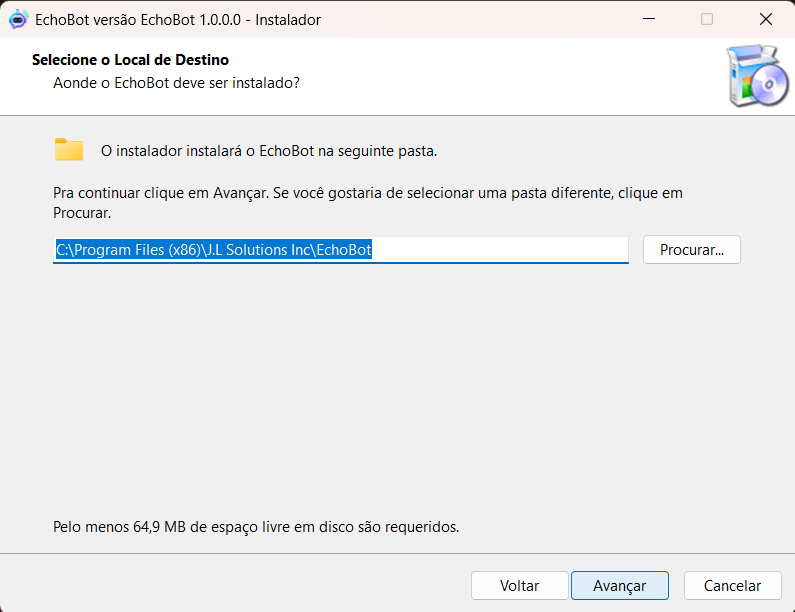
Installation Folder
The installer suggests the default system folder to install necessary files.
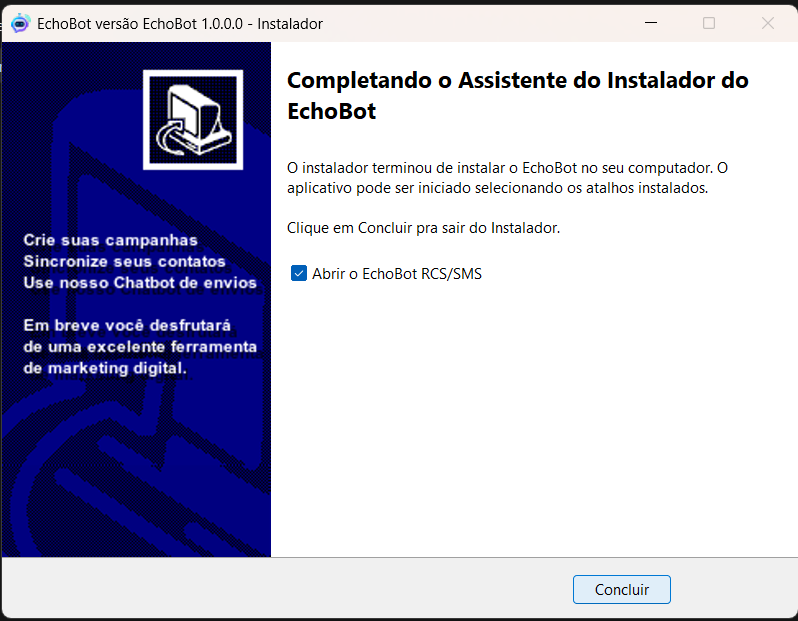
Complete Installation
Wait for the loading bar to finish. The wizard will indicate successful operation.

Loading Splash
When started, the system will display the official opening screen.
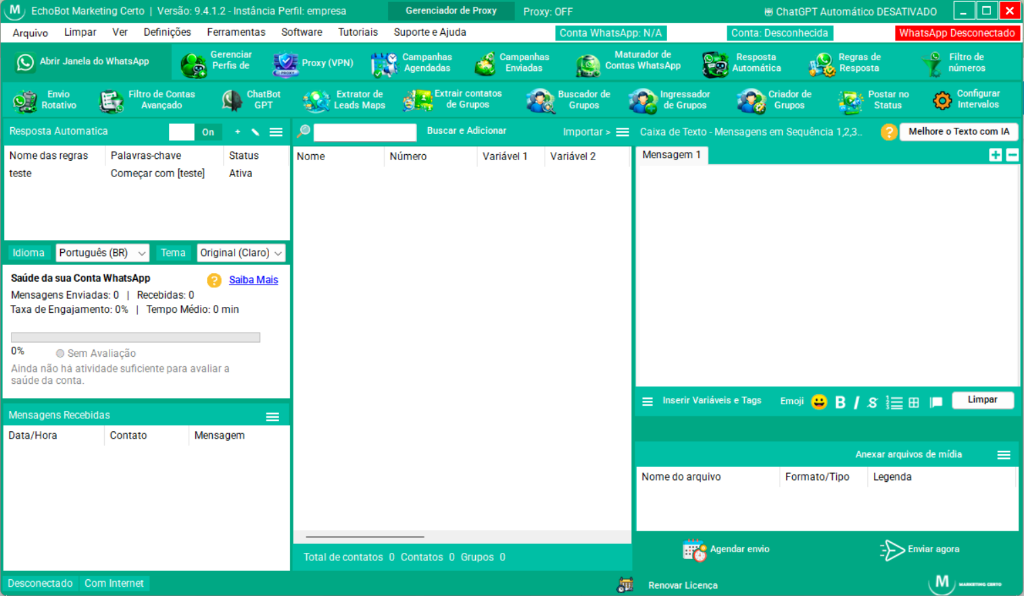
Dashboard Ready
With the panel open, you can start! Import contacts and send campaigns.
License Activation
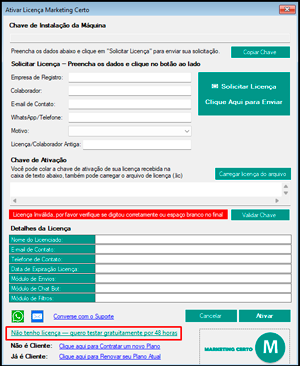
In the activation window, you will need to request your free trial license by filling out the form and validating it on your WhatsApp.
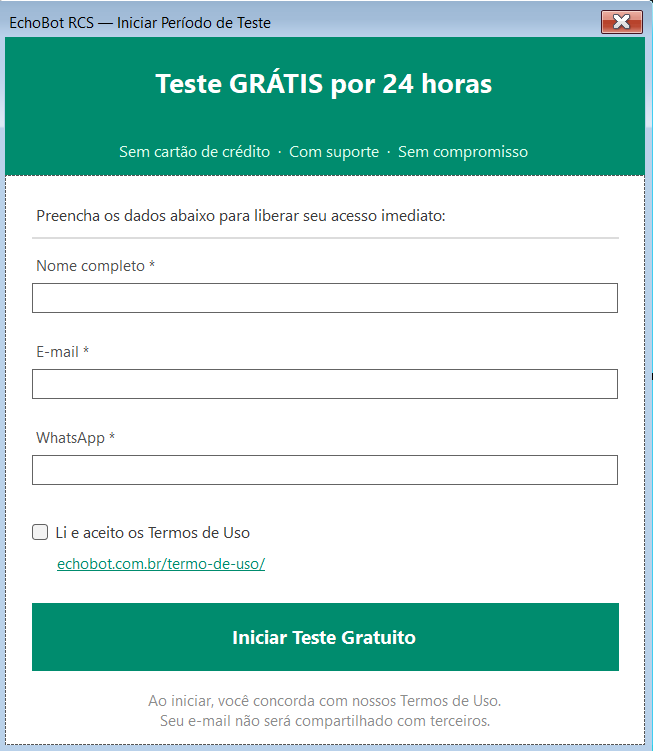
Free Trial Form
Fill in your real data (Name, E-mail and WhatsApp) to release your immediate access to the system.
Need help with installation?
If you encounter any difficulty or have questions during the download or activation process, contact our support team.
Schedule a demo of the tool and clear your doubts
Talk directly with a specialist and see in real time how to boost your sales and automations.
Proteção contra Banimentos
🛡️ Proteção inteligente contra bloqueio do seu número
Avaliação Automática da "Saúde" do WhatsApp
O Marketing Certo agora avalia a "saúde" do seu WhatsApp antes de disparar. Se o número ainda estiver "novo" ou com risco alto, ele automaticamente orienta você a usar o Modo Estratégico — a forma mais segura de aquecer o número e conversar sem cair no bloqueio do WhatsApp. Você ganha tranquilidade: menos números derrubados, mais campanhas rodando.
MÓDULO DE MULTIENVIOS — ROTAÇÃO INTELIGENTE ENTRE CONTAS
🔄 Conecte várias contas de WhatsApp e envie suas campanhas em rotação com segurança total
MAIS SEGURANÇA
Distribuímos os envios entre várias contas, respeitando o limite diário de cada uma.
MAIS ESTABILIDADE
Menor volume por conta, reduzindo riscos e mantendo suas campanhas saudáveis.
ROTAÇÃO AUTOMÁTICA
O sistema alterna automaticamente entre as contas, garantindo uma distribuição equilibrada.
Marketing de Ligações & VoIP
Campanha de Voz Completa
Três módulos de voz integrados para ampliar seu alcance muito além do texto — ligue, transmita mensagens gravadas e gere atenção com ligações inteligentes, tudo dentro do Marketing Certo.
Discador VoIP Profissional
com Áudio e Vídeo
Faça ligações de voz e vídeo diretamente pelo WhatsApp usando sua própria conexão VoIP. Ideal para equipes comerciais, suporte técnico e atendimento ao cliente — com discador numérico integrado, gravação de chamadas e controle de volume.
- ✓Chamadas de voz e vídeo via protocolo SIP/VoIP
- ✓Discador numérico completo com teclas DTMF
- ✓Gravação da chamada com arquivo de áudio salvo
- ✓Controles de mudo, volume e encerramento rápido
- ✓Registros de chamadas com histórico completo
Qual módulo usar em cada situação?
Módulo VoIP disponível em todos os planos a partir do Mensal